GeoGebra Ohjelmat
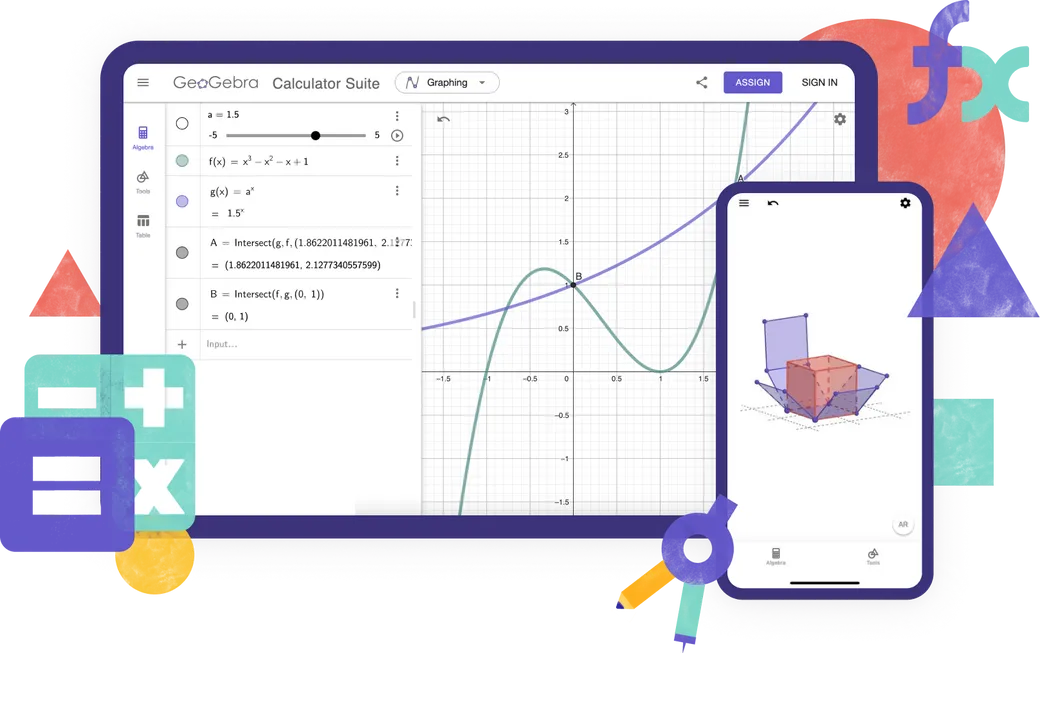
Tutustu ilmaisiin matematiikan ja luonnontieteiden laskimiimme ja sovelluksiimme kaikille laitteille ja käyttöjärjestelmille. Aloita Calculator Suite -sovelluksen käyttäminen.
Laskimet
Online-oppimissovellukset
Math Solver
Ota kuva matematiikan läksyistäsi. Hanki vaiheittaiset ratkaisut selityksillä ja harjoittele samanlaisia ongelmia.

Math Practice
Ratkaise algebrallisia ongelmia vaihe vaiheelta ja saat välitöntä palautetta ja apua
Notes
Ilmainen online-muistiinpanosovellus interaktiivisilla kaavioilla, dioilla, kuvilla ja videoilla
Mitä laskinta kannattaa käyttää?

Ominaisuudet
Calculator Suite
Graafinen laskin
Geometria
GeoGebra 3D
CAS Laskin
Scientific Calculator
Laskutoimitukset luvuilla
Kuvaajat
Funktiot
Vektorit ja matriisit
Geometriset kuviot
Taulukko
Taulukkolaskenta
Kirjainlaskento
3D kuvaajat
Todennäköisyyslaskuri
Luotko edistyneitä GeoGebra-resursseja?
Classic 5 edistyneemmät ominaisuudet
GeoGebra kokeissa
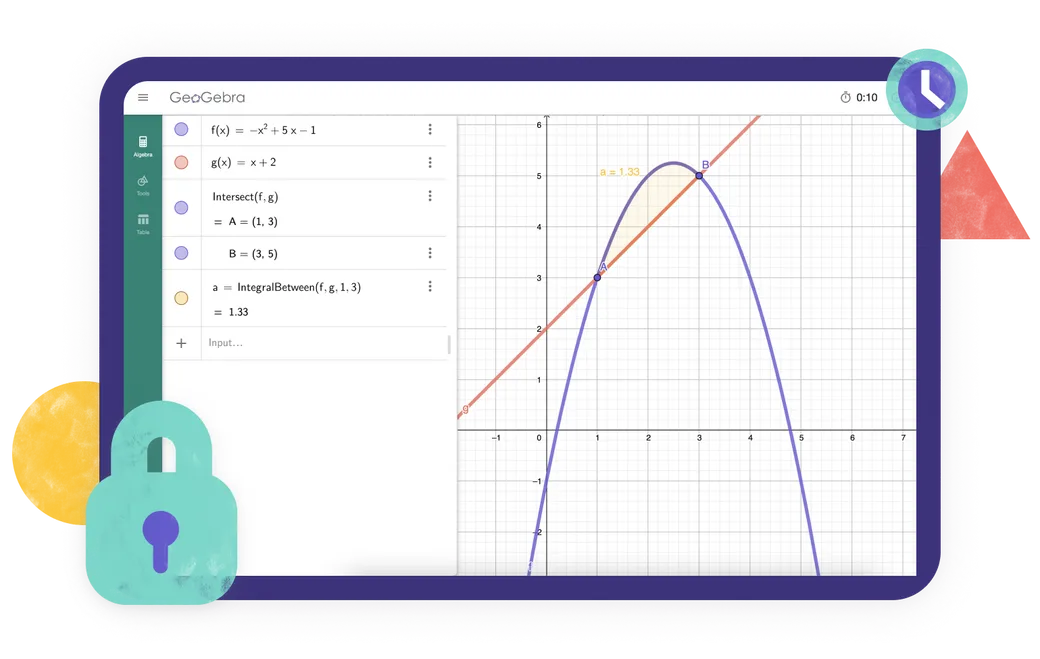
Etsitkö sovellusta, joka täyttää alueesi koemääräykset? Tarjoamme erilaisia koetiloja, jotka tarjoavat ominaisuuksia, jotka ovat hyödyllisiä sekä opettajille että opiskelijoille paperipohjaisten kokeiden aikana, ja varmistavat samalla rajoitetun pääsyn Internetiin ja muihin ohjelmistoihin.
Usein kysyttyjä kysymyksiä
Mitä GeoGebra-sovellusta minun pitäisi käyttää?
Useimmille opettajille ja opiskelijoille suosittelemme GeoGebra Calculator -pakettia. Se yhdistää työkalut algebraan, laskentaan, geometriaan, 3D-graafiin, todennäköisyys- ja symbolisiin laskelmiin yhdessä sovelluksessa ja toimii eri laitteissa ja alustoilla. Jos koulu- tai tenttisäännöt vaativat rajoitetumpia työkaluja, voit valita sen sijaan yhden yksittäisistä laskinsovelluksistamme. GeoGebra Classic 5 tarjoaa lisätyökaluja kehittyneiden GeoGebraresurssien luomiseen.
Mitä eroa on GeoGebra Calculator Suiten ja GeoGebra Classicin välillä?
Calculator Suite ja Classic jakavat monia samoja matematiikan työkaluja, mutta ne eivät ole identtisiä. Calculator Suite on suosittelemamme sovelluksemme useimmille opettajille ja opiskelijoille. Siinä on moderni käyttöliittymä, joka toimii johdonmukaisesti eri laitteissa ja alustoissa, joten se sopii erityisen hyvin luokille, joissa opiskelijat käyttävät erilaisia laitteita. Classic käyttää perinteistä GeoGebra-käyttöliittymää ja sisältää lisävaihtoehtoja edistyneille käyttäjille ja resurssien tekijöille.
Ovatko Geogebra-sovellukset ilmaisia?
GeoGebra-sovellukset ovat ilmainen ei-kaupalliseen käyttöön, mukaan lukien opettajat ja opiskelijat käyttävät oppimiseen ja opettamiseen koulussa, yliopistossa tai kotona. Kaupallinen käyttö vaatii erillisen lisenssin. Jos et ole varma, onko käyttötarkoituksesi kaupallinen, ota yhteyttä GeoGebra Partnerships -tiimi.
Onko GeoGebra saatavilla mobiililaitteille?
KYLLÄ. GeoGebra Calculator Suite on saatavana puhelimille, tableteille ja pöytätietokoneille. Käyttöliittymä mukautuu laitteesi näytön kokoon. Parhaan kokemuksen saamiseksi puhelimista tai tableteista asenna sovellus.
Kuinka lataan ja asennan GeoGebran?
Valitse haluamasi sovellus GeoGebra-lataukset -sivulta. Voit sitten ladata sen suoraan tai avata laitteellesi sopivan sovelluskaupan. Noudata laitteesi tai App Storen/Play Storen antamia asennusohjeita. Tuemme myös PWA:ta. Voit ladata sovelluksen heti, kun se avataan selaimessasi.
Voinko käyttää GeoGebraa ilman Internet-yhteyttä?
Kun olet ladannut ja asentanut GeoGebra-sovelluksen, voit käyttää sen tärkeimpiä matematiikan työkaluja ilman Internet-yhteyttä. Tarvitset edelleen Internet-yhteyden etsiäksesi verkkoresursseja, kirjautuaksesi sisään GeoGebra-tilillesi tai tallentaaksesi ja jakaaksesi töitä verkossa. Voit tallentaa työsi paikallisesti laitteellesi ollessasi offline-tilassa.
Tarvitsenko tilin käyttääkseni GeoGebra-sovelluksia?
Ei. Voit käyttää GeoGebra-sovelluksia ilman tiliä ja tallentaa työsi paikallisesti laitteellesi. Tiliä tarvitaan vain, jos haluat tallentaa työsi verkossa, käyttää sitä eri laitteilla tai käyttää muita tilipohjaisia ominaisuuksia.
Mikä on koetila?
Koetilan avulla opiskelijat voivat käyttää GeoGebraa kokeiden ja kokeiden aikana rajoittaen samalla pääsyä Internetiin, tallennettuihin tiedostoihin ja muihin sovelluksiin. Se toimii koko näytön tilassa ja näyttää selkeän visuaalisen hälytyksen, jos opiskelija poistuu koetilasta. Koeloki auttaa opettajia tarkistamaan, mitä istunnon aikana tapahtui. GeoGebraa voidaan käyttää myös turvallisen koeselaimen kanssa tuetuissa koeasetuksissa. Siirry sivulle Virallinen käyttöohje saadaksesi täydelliset tiedot.
Tuetaanko GeoGebra Classicia tulevaisuudessa?
KYLLÄ. Tiedämme, että monet ihmiset käyttävät edelleen ja arvostavat GeoGebra Classicia, ja varmistamme jatkossakin, että se toimii. Suosittelemme kuitenkin Calculator Suitea uusille käyttäjille, koska se on nykyinen sovelluksemme ja toimii johdonmukaisesti eri laitteissa ja alustoissa. Nykyiset Classic-käyttäjät voivat jatkaa sen käyttöä, mutta saattavat myös harkita vaihtamista Calculator Suiteen.

Asennusasetukset
Kokoelma kaikista asentajaohjelmista Windowsille, macOS:lle ja Linuxille...

GeoGebra Appien upottaminen
Kaikki mitä sinun tulee tietää GeoGebra-sovellusten upottamisesta verkkosivustollesi.

JavaScript API
Tällä sivulla esitellään GeoGebra API, jos sinun täytyy olla vuorovaikutuksessa GeoGebran kanssa JavaScriptin avulla