Aplicacións de GeoGebra
Explora as nosas calculadoras e aplicacións gratuítas para matemáticas e ciencias, dispoñibles para tódolos dispositivos e sistemas operativos. Comeza a usar nosa Suite de Calculadoras todo nun.
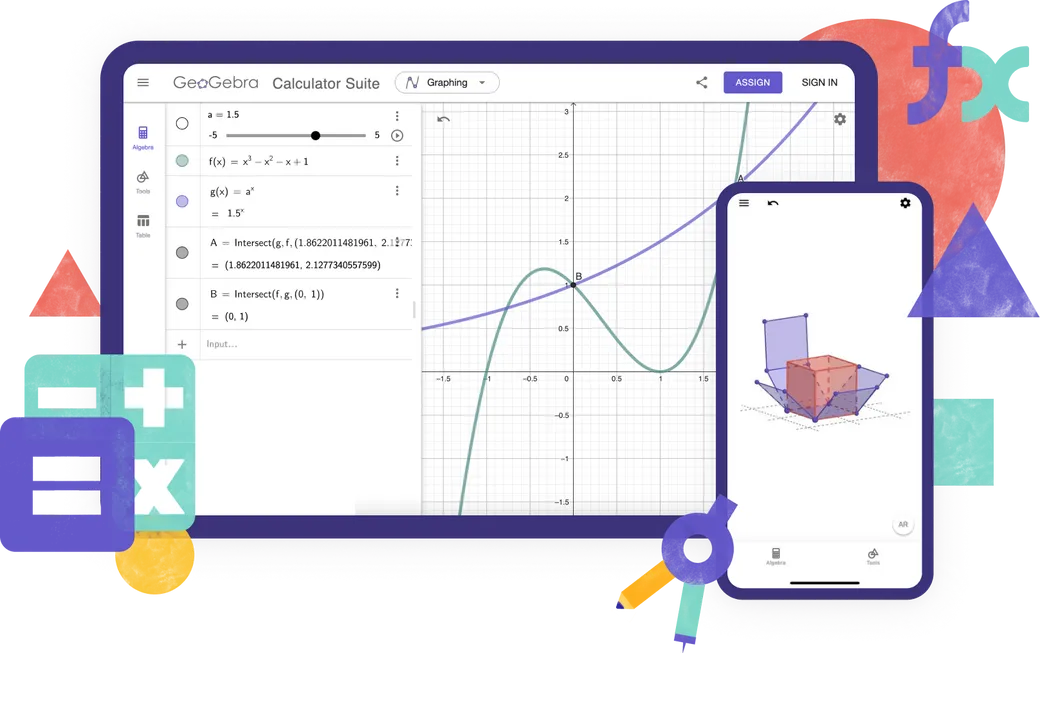
Calculadoras
Aplicacións de aprendizaxe en liña
Solucionador MAT
Toma unha foto dos teus exercicios de matemáticas. Obtén solucións con explicacións paso a paso e problemas prácticos parecidos.

Math Practice (Prácticas de Matemáticas)
Resolve problemas alxébricos paso a paso mentres recibes axuda e retroalimentación instantánea.
Notas
Aplicación gratuíta de toma de notas en liña, con gráficos interactivos, diapositivas, imaxes e vídeos.
Que calculadora usar?

Características
Calculator Suite
Calculadora gráfica
Xeometría
Graficadora 3D
Calculadora CAS
Calculadora científica
Cálculos numéricos
Gráficos 2D
Functions
Vectores e matrices
Construcións xeométricas
Táboa de valores
Folla de cálculo
Cálculos simbólicos
Gráficos 3D
Calculadora de probabilidade
Estás a crear recursos avanzados de GeoGebra?
Clásico 5 para características avanzadas
GeoGebra en exames
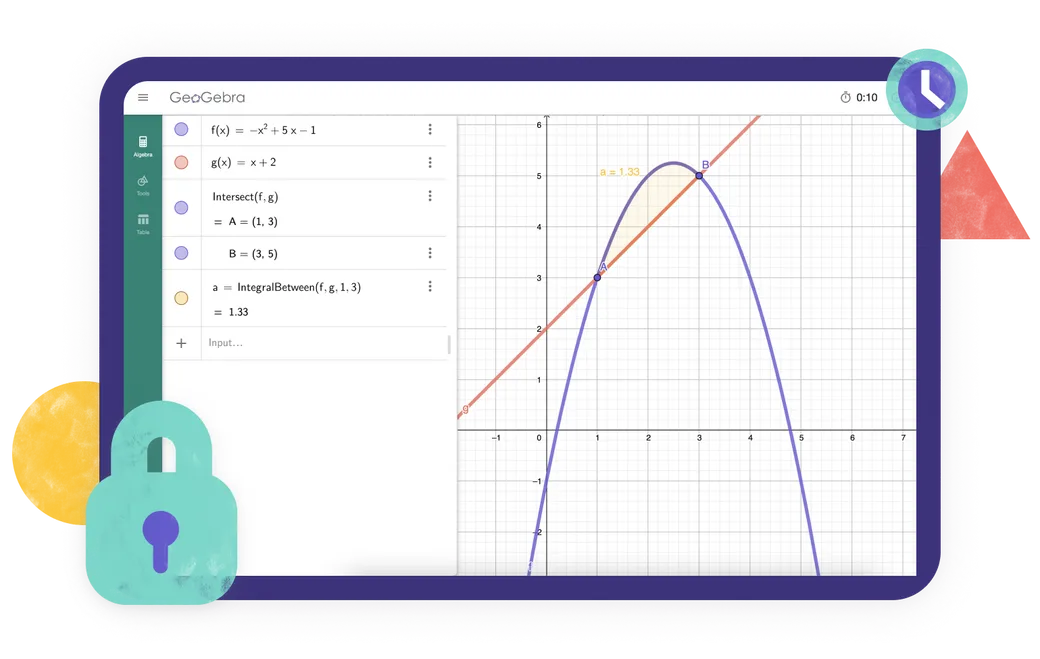
Estás a buscar unha aplicación que cumpra coas normas de exames na túa rexión? Ofrecemos varios Modos de Exame que ofrecen características beneficiosas tanto para os profesores como para os estudantes durante os exames en papel, asegurando ao mesmo tempo o acceso restrinxido a internet e outros programas.
Frequently asked questions
Que aplicación de GeoGebra debo usar?
For most teachers and students, we recommend the GeoGebra Calculator Suite. It combines tools for algebra, calculus, geometry, 3D graphing, probability and symbolic calculations in one app and works across different devices and platforms. If your school or exam regulations require a more limited set of tools, you can choose one of our individual calculator apps instead. For creating advanced GeoGebra resources, GeoGebra Classic 5 provides additional authoring tools.
Cal é a diferenza entre GeoGebra Calculator Suite e GeoGebra Classic?
Calculator Suite e Classic comparten moitas das mesmas ferramentas matemáticas, pero non son idénticas. Calculator Suite é a nosa aplicación recomendada para a maioría dos profesores e estudantes. Ten unha interface moderna que funciona de xeito consistente en tódolos dispositivos e plataformas, o que a fai especialmente adecuada para clases nas que os estudantes usan diferentes dispositivos. Classic utiliza a interface tradicional de GeoGebra e inclúe opcións adicionais para usuarios avanzados e autores de recursos.
As aplicacións de GeoGebra son gratuítas?
As aplicacións de GeoGebra custan Uso gratuíto para fins non comerciais., incluído o uso de profesores e estudantes para aprender e ensinar na escola, a universidade ou o fogar. O uso comercial require unha licenza separada. Se non estás seguro de se o teu uso previsto é comercial, ponte en contacto co Equipo de colaboradores GeoGebra.
Está dispoñible GeoGebra para dispositivos móbiles?
Yes. GeoGebra Calculator Suite is available for phones, tablets, and desktop computers. The interface adapts to the screen size of your device. For the best experience on phones or tablets install the app.
Como descargo e instalo GeoGebra?
Elixe a aplicación que desexes na páxina de descargas de GeoGebra. Logo podes descargala directamente ou abrir a tenda de aplicacións correspondente para o teu dispositivo. Segue as instrucións de instalación proporcionadas polo teu dispositivo ou App Store / Play Store. Tamén admitimos PWA. Podes descargar inmediatamente a aplicación cando se abre no teu navegador.
Podo usar GeoGebra sen conexión a Internet?
Unha vez que descargues e instales unha aplicación GeoGebra, podes utilizar as súas principais ferramentas matemáticas sen conexión a Internet. Aínda necesitarás unha conexión a Internet para buscar recursos en liña, iniciar sesión na túa conta de GeoGebra ou gardar e compartir traballos en liña. Podes gardar o teu traballo localmente no teu dispositivo mentres estás fóra de liña.
Necesito unha conta para usar as aplicacións de GeoGebra?
No. You can use the GeoGebra apps without an account and save your work locally on your device. An account is required only if you want to save your work online, access it from different devices, or use other account-based features.
Que é o modo de exame?
O modo de exame permite aos estudantes usar GeoGebra durante as probas e os exames, ao mesmo tempo que restrinxe o acceso a Internet, arquivos gardados e outras aplicacións. Execútase en modo de pantalla completa e amosa unha alerta visual clara se un estudante abandona o modo de exame. Un rexistro de exame axuda aos profesores para comprobar o que sucedeu durante a sesión. GeoGebra tamén se pode usar con Safe Exam Navegador en configuracións de exame compatibles. Ve a documentación oficial para obter información completa.
Seguirá recibindo soporte GeoGebra Classic no futuro?
Si. Sabemos que moitas persoas aínda usan e valoran GeoGebra Classic, e continuaremos asegurándonos de que funcione. Con todo, recomendamos Calculator Suite para novos usuarios porque é a nosa aplicación actual e funciona de xeito consistente en tódolos dispositivos e plataformas. Os usuarios de Classic poden seguir usándoo, pero tamén poden considerar cambiar a Calculator Suite.

Opcións de instalación
Colección completa de tódolos nosos instaladores para Windows, macOS, Linux e máis.

Incrustar Aplicacións de GeoGebra
Todo o que necesita saber sobre a integración de aplicacións GeoGebra no seu sitio web.

API de JavaScript
Esta páxina describe a API de GeoGebra, se necesitas interactuar con GeoGebra desde JavaScript.