GeoGebra apps
Verken onze gratis rekenmachines en apps voor wiskunde en wetenschappen, verkrijgbaar voor alle toestellen en besturingssystemen. Start met onze alles-in-één Suite rekenmachine.
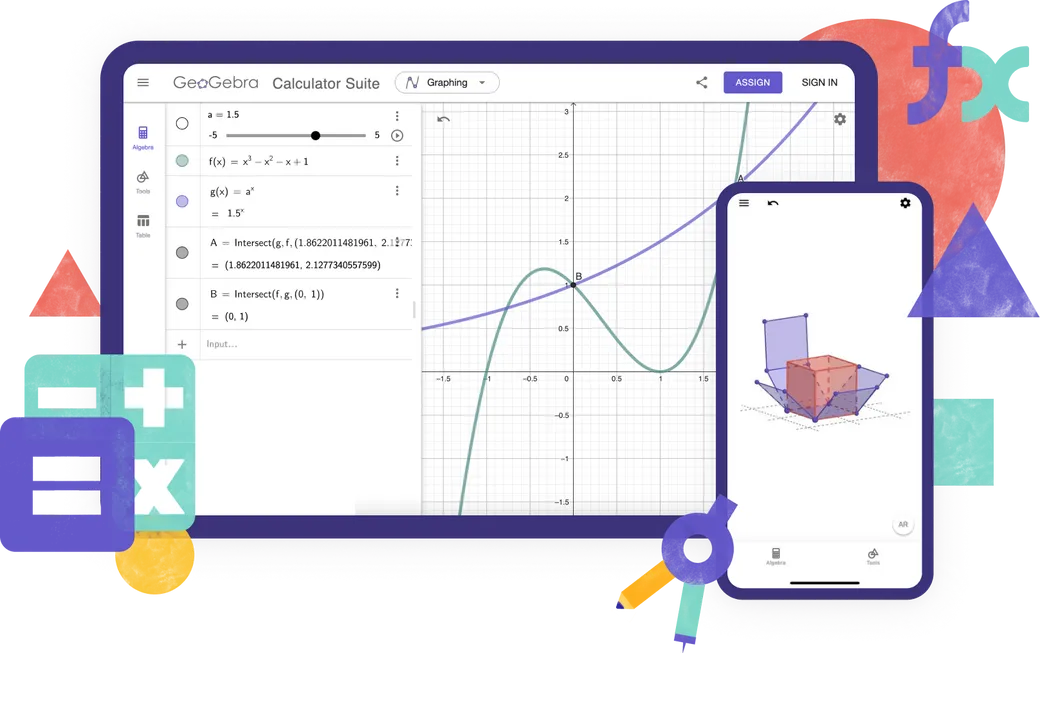
Rekenmachines
Online leerapps
Wiskunde solver
Neem een foto van je wiskunde huiswerk. Krijg stap voor stap oplossingen en oefen gelijkaardige problemen.

Wiskunde oefenen
Los stapsgewijs algebraïsche problemen op en krijg onmiddellijke feedback en hulp
Notitieblok
Gratis online whiteboard app met interactieve grafieken, dia's, afbeeldingen, tekst, tabellen, video's
Welke rekenmachine gebruiken?

Kenmerken
Rekenmachine suite
Grafische rekenmachine
Meetkunde
3D Rekenmachine
CAS rekenmachine
Wetenschappelijke rekenmachine
Numerieke berekeningen
2D grafieken
Functies
Vectoren en matrices
Meetkundige constructies
Functiewaardentabel
Rekenblad
Symbolische berekeningen
3D grafieken
Probabiliteits Calculator
Creëer jij geavanceerd GeoGebra materiaal?
Klassiek 5 voor geavanceerde toepassingen
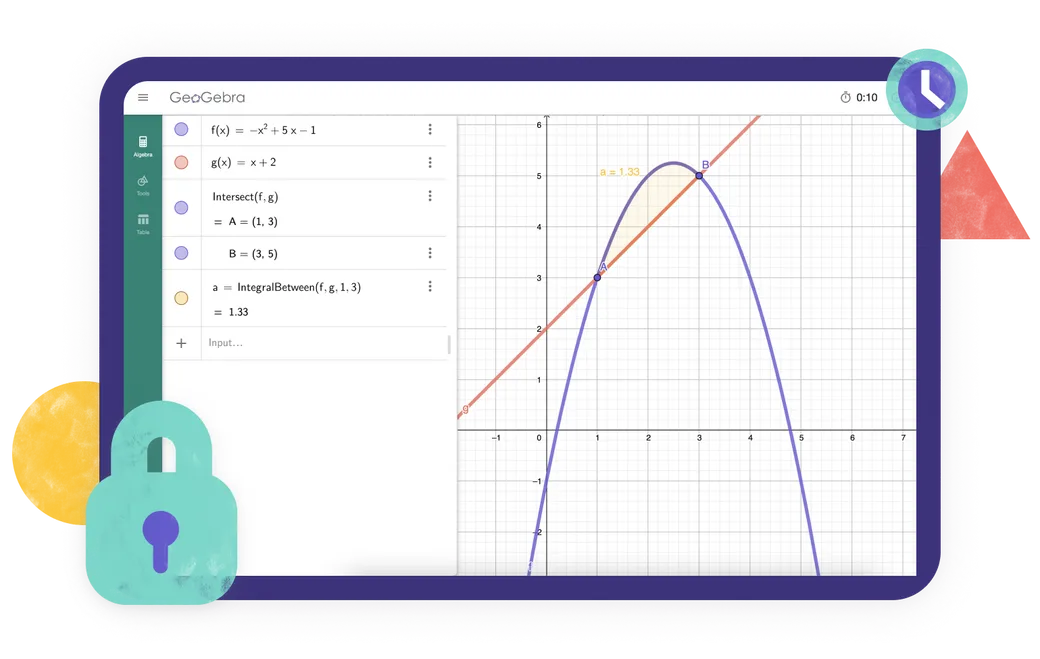
GeoGebra voor toetsen
Zoek je een app die overeenstemt met de examenvoorschriften in jouw regio? Wij bieden gevarieerde en aangepaste examenmodi aan die leerlingen kunnen gebruiken tijdens examens op papier, waarbij de toegang tot internet en andere software afgeschermd wordt.
Veelgestelde vragen
Welke geogebra app moet ik gebruiken?
Voor de meeste leerkrachten en leerlingen raden we de Geogebra Suite rekenmachine aan. Het combineert tools voor algebra, geometrie, 3D-grafieken, waarschijnlijkheid en symbolische berekeningen in één app en werkt op verschillende apparaten en platforms. Als je school- of examenreglement een beperktere set toepassingen voorschrijft, kan je in plaats daarvan een van onze individuele rekenmachine apps kiezen. Voor het maken van geavanceerd GeoGebra materiaal biedt GeoGebra Klassiek 5 extra tools aan.
Wat is het verschil tussen de GeoGebra Suite rekenmachine en GeoGebra Klassiek?
De Suite rekenmachine en Klassiek delen veel wiskundetools, maar ze zijn niet identiek. Calculator Suite is onze aanbevolen app voor de meeste leerkrachten en leerlingen. Het heeft een moderne interface die consistent werkt op verschillende apparaten en platforms, waardoor het vooral geschikt is voor lessen waarin studenten verschillende apparaten gebruiken. Classic gebruikt de traditionele GeoGebra-interface en bevat extra opties voor gevorderde gebruikers en auteurs van lesmateriaal.
Zijn de geogebra-apps gratis?
Geogebra-apps zijn {$ 1}, inclusief gebruik door leerkrachten en leerlingen voor leren en lesgeven op school, universiteit of thuis. Commercieel gebruik vereist een aparte licentie. Als u niet zeker weet of uw beoogde gebruik commercieel is, neem dan contact op met de {2}.
Is GeoGebra beschikbaar voor mobiele apparaten?
Ja. De GeoGebra Suite rekenmachine is beschikbaar voor smartphones, tablets en desktop computers. De interface past zich aan de schermgrootte van je apparaat aan. Installeer de app voor de beste ervaring op smartphones of tablets.
Hoe download en installeer ik GeoGebra?
Kies de gewenste app op de GeoGebra downloadpagina. Je kan het vervolgens rechtstreeks downloaden ofwel de relevante app store voor uw apparaat openen. Volg de installatie instructies van uw apparaat of app store / play store. We ondersteunen ook PWA (progressieve webbapp). Je kan de app onmiddellijk downloaden wanneer deze in je browser wordt geopend.
Kan ik GeoGebra gebruiken zonder internetverbinding?
Nadat je een GeoGebra-app hebt gedownload en geïnstalleerd, kan je de belangrijkste wiskundetools gebruiken zonder internetverbinding. Je hebt nog steeds een internetverbinding nodig om naar online materiaal te zoeken, in te loggen op je GeoGebra account of om je werk online op te slaan en te delen. Ben je offline, dan kan je je werk lokaal op je apparaat opslaan.
Heb ik een account nodig om de GeoGebra apps te gebruiken?
Neen. Je kan de GeoGebra apps gebruiken zonder account en je werk lokaal op je apparaat opslaan. Een account is enkel vereist als je je werk online wilt opslaan, het wil openen vanaf verschillende apparaten of andere accountgebaseerde functies wil gebruiken.
Wat is de examenmodus?
Met de examenmodus kunnen studenten geogebra gebruiken tijdens tests en examens, terwijl de toegang tot internet, opgeslagen bestanden en andere apps wordt beperkt. Hij draait in volledige schermmodus en geeft een duidelijke visuele waarschuwing weer als een leerling de examenmodus verlaat. Een examenlogboek helpt docenten om te controleren wat er tijdens de sessie is gebeurd. GeoGebra kan ook worden gebruikt met Safe Exam Browser in ondersteunde exameninstellingen. Ga naar onze officiële documentatie voor volledige informatie.
Zal GeoGebra Klassiek in de toekomst ondersteund blijven?
Ja. We weten dat veel mensen GeoGebra Klassiek nog steeds gebruiken en waarderen, en we zullen ervoor blijven zorgen dat het werkt. We raden echter De Suite rekenmachine aan voor nieuwe gebruikers, omdat het onze huidige app is en consistent werkt op verschillende apparaten en platforms. Bestaande klassieke gebruikers kunnen het blijven gebruiken, maar kunnen ook overwegen om over te stappen naar de Suite rekenmachine.


GeoGebra apps embedden
Alles wat je moet weten om GeoGebra Apps te embedden in jouw website.

JavaScript API
Deze pagina beschrijft de GeoGebra API voor wie via JavaScript wil interageren met GeoGebra