Aplicações do GeoGebra
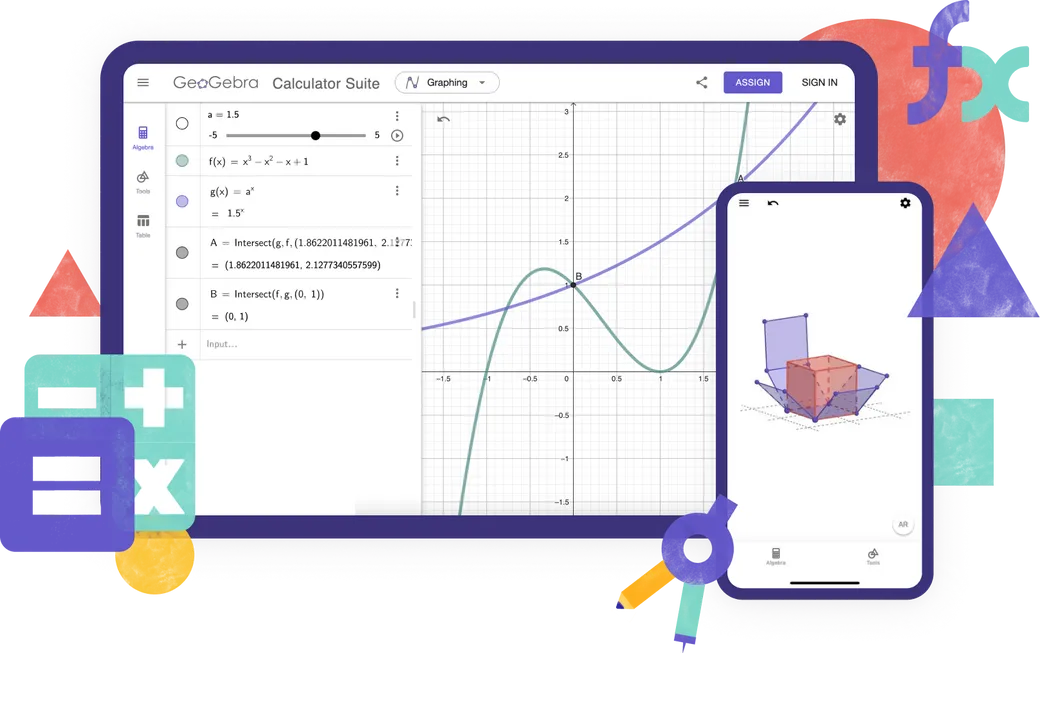
Explore nossas aplicações gratuitas para matemática e ciências, disponíveis para todos os dispositivos e sistemas operacionais. Comece a usar nosso conjunto completo de aplicações.
Aplicações
Aplicativos de aprendizagem on-line
Math Solver
Tire uma fotografia da sua tarefa de matemática. Obtenha soluções passo a passo com explicações e pratique problemas semelhantes.

Matemática Prática
Resolva problemas algébricos passo a passo enquanto obtém feedback e ajuda instantâneos
Notes
Aplicativo de anotações on-line gratuito com gráficos interativos, slides, imagens e vídeos
Que Aplicação utilizar?

Características
Geogebra Suite
Calculadora Gráfica
Geometria 2D
Geometria 3D
CAS Calculadora
Calculadora Científica
Cálculos Numéricos
Gráficos 2D
Functions
Vetores e matrizes
Construções Geométricas
Tabela de Valores
Folha de Cálculo
Cálculos Simbólicos
Gráficos 3D
Calculadora de Probabilidades
Você está a criar recursos avançados do GeoGebra?
Clássico 5 para recursos avançados
GeoGebra em testes
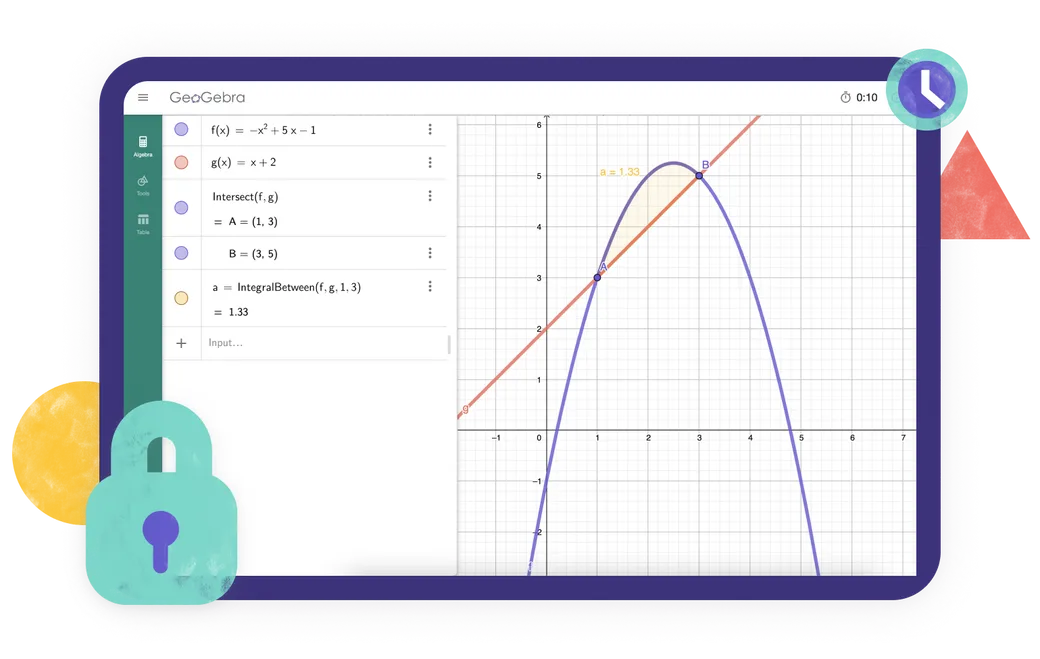
Está a procurar um aplicativo que atenda às regulamentações de exames da sua região? Fornecemos vários modos de exame que oferecem recursos benéficos para professores e alunos durante exames em papel, garantindo ao mesmo tempo acesso restrito à Internet e outros softwares.
Perguntas frequentes
Que aplicação do GeoGebra devo utilizar?
Para a maioria dos professores e alunos, recomendamos o GeoGebra Suite. Este aplica combina ferramentas para álgebra, cálculo, geometria, representação gráfica em 3D, probabilidade e cálculos simbólicos numa única aplicação e funciona em diferentes dispositivos e plataformas. Se a sua escola ou os regulamentos dos exames exigirem um conjunto mais limitado de ferramentas, pode optar por uma das nossas aplicações de calculadora individuais. Para criar recursos avançados do GeoGebra, o GeoGebra Classic 5 disponibiliza ferramentas de criação adicionais.
Qual é a diferença entre o GeoGebra Suite e o GeoGebra Clássico?
O Geogebra Suite e o Clássico partilham muitas das mesmas ferramentas matemáticas, mas não são idênticos. O Calculator Suite é a aplicação que recomendamos para a maioria dos professores e alunos. Possui uma interface moderna que funciona de forma consistente em todos os dispositivos e plataformas, tornando-a especialmente adequada para aulas em que os alunos utilizam dispositivos diferentes. O Classic utiliza a interface tradicional do GeoGebra e inclui opções adicionais para utilizadores avançados e autores de recursos.
As aplicações do GeoGebra são gratuitas?
As aplicações do GeoGebra custam gratuito para uso não comercial, incluindo a utilização por professores e alunos para aprender e ensinar na escola, na universidade ou em casa. A utilização comercial requer uma licença separada. Se não tiver a certeza se a utilização que pretende é comercial, contacte o Equipa de parcerias do GeoGebra.
O GeoGebra está disponível para dispositivos móveis?
Sim. O GeoGebra Calculator Suite está disponível para telemóveis, tablets e computadores de secretária. A interface adapta-se ao tamanho do ecrã do seu dispositivo. Para uma melhor experiência em telemóveis ou tablets, instale a aplicação.
Como posso descarregar e instalar o GeoGebra?
Escolha a aplicação que pretende na página de downloads do GeoGebra. Pode, em seguida, descarregá-la diretamente ou abrir a loja de aplicações correspondente ao seu dispositivo. Siga as instruções de instalação fornecidas pelo seu dispositivo ou pela App Store / Play Store. Também suportamos PWA. Pode descarregar a aplicação imediatamente ao abri-la no seu navegador.
Posso utilizar o GeoGebra sem ligação à Internet?
Depois de descarregar e instalar uma aplicação do GeoGebra, poderá utilizar as suas principais ferramentas matemáticas sem ligação à Internet. No entanto, continuará a precisar de uma ligação à Internet para pesquisar recursos online, iniciar sessão na sua conta do GeoGebra ou guardar e partilhar o seu trabalho online. Pode guardar o seu trabalho localmente no seu dispositivo enquanto estiver offline.
Preciso de uma conta para utilizar as aplicações do GeoGebra?
Não. Pode utilizar as aplicações do GeoGebra sem ter uma conta e guardar o seu trabalho localmente no seu dispositivo. Só é necessária uma conta se pretender guardar o seu trabalho online, aceder ao mesmo a partir de diferentes dispositivos ou utilizar outras funcionalidades que exijam uma conta.
O que é o modo de exame?
O modo de exame permite que os alunos utilizem o GeoGebra durante testes e exames, restringindo o acesso à Internet, aos ficheiros guardados e a outras aplicações. Funciona em modo de ecrã inteiro e apresenta um alerta visual claro caso um aluno saia do modo de exame. Um registo do exame ajuda os professores a verificar o que aconteceu durante a sessão. O GeoGebra também pode ser utilizado com o Safe Exam Browser em configurações de exame compatíveis. Aceda à nossa official documentation para obter todas as informações.
O GeoGebra Classic continuará a ser suportado no futuro?
Sim. Sabemos que muitas pessoas ainda utilizam e apreciam o GeoGebra Classic, e continuaremos a garantir o seu bom funcionamento. No entanto, recomendamos o Calculator Suite aos novos utilizadores, uma vez que é a nossa aplicação atual e funciona de forma consistente em todos os dispositivos e plataformas. Os utilizadores atuais do Classic podem contiGeogebra Suite.

Opções de instalação
Coleção completa de todos os nossos instaladores para Windows, macOS, Linux e muito mais.

Incorporar Aplicações do GeoGebra
Tudo o que você precisa saber sobre como incorporar aplicativos GeoGebra em seu site.

JavaScript API
Esta página descreve a API do GeoGebra se você precisar interagir com o GeoGebra a partir de JavaScript