GeoGebra ilovalari
Bizning bepul kalkulyator va matematika va tabiiy fan uchun ilovalarimizni kashf qiling, ular barcha operatsion tizim va qurilmalar uchun mavjud. Bizning hammasi birda Kalkulyator to'lpamimizdan foydalanish bilan boshlang.
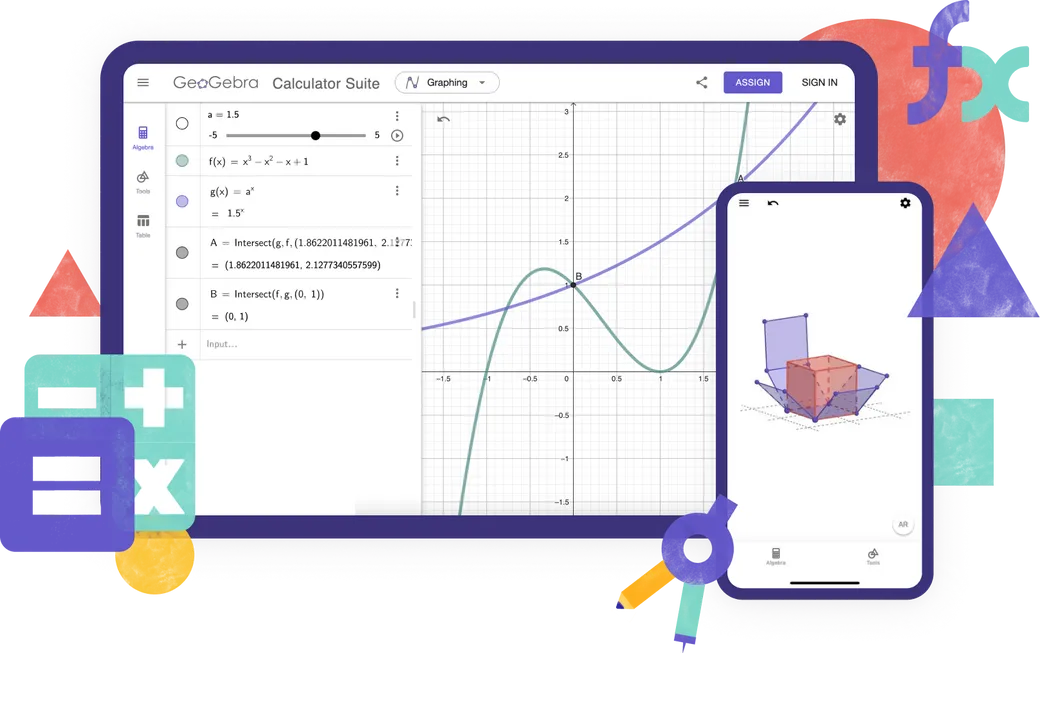
Kalkulyatorlar
O'rganish uchun onlayn manbalar
Math Solver
Take a photo of your math homework. Get step-by-step solutions with explanations and practice similar problems.

Matematika amaliyoti
Algebraik masalalarni bosqichma-bosqich yechish jarayonida darhol fikr-mulohaza va yordam oling
Eslatmalar
Interfaol grafiklar, slaydlar, rasmlar, videolar bilan bepul onlayn eslatma olish ilovasi
Qaysi kalkulyatordan foydalanasiz?

Xususiyatlar
Kalkulyatorlar to‘plami
Grafikli kalkulyator
Geometriya
3D Kalkulyator
CAS Calculator
Muhandislik kalkulyatori
Raqamli hisoblar
2D grafiklar chizish
Functions
Vektorlar va matritsalar
Geometrik konstruksiyalar
Qiymatlar jadvali
Jadval
Ifodaviy hisoblash
3D grafik chizish
Ehtimoliylik kalkulyatori
Siz ilg‘or GeoGebra manbalarini yaratayapsizmi?
Zamonaviy hislatlar uchun klassik 5
Testlar bo'yicha GeoGebra
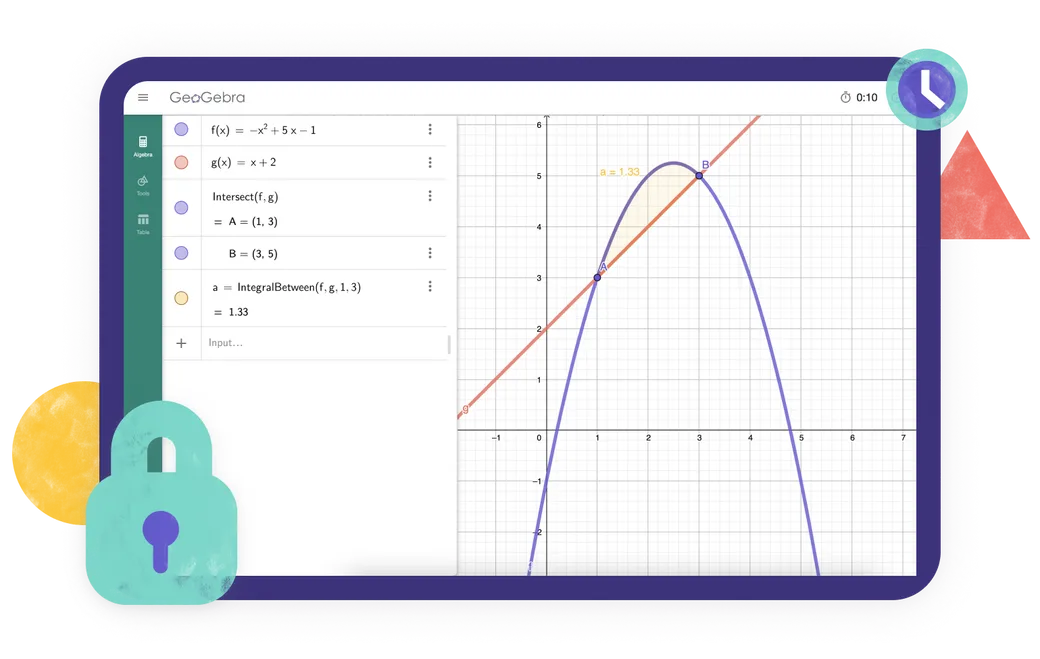
Mintaqangizdagi imtihon qoidalariga javob beradigan ilovani qidiryapsizmi? Biz turli imtihon rejimlarini taqdim etamiz, ular qog'ozga yoziladigan imtihonlar paytida o'qituvchilar va talabalar uchun foydali bo'lgan xususiyatlarni taklif etadi, shu bilan birga internet va boshqa dasturlarga cheklangan kirishni ta'minlaydi.
Frequently asked questions
Which GeoGebra app should I use?
For most teachers and students, we recommend the GeoGebra Calculator Suite. It combines tools for algebra, calculus, geometry, 3D graphing, probability and symbolic calculations in one app and works across different devices and platforms. If your school or exam regulations require a more limited set of tools, you can choose one of our individual calculator apps instead. For creating advanced GeoGebra resources, GeoGebra Classic 5 provides additional authoring tools.
What is the difference between GeoGebra Calculator Suite and GeoGebra Classic?
Calculator Suite and Classic share many of the same mathematics tools, but they are not identical. Calculator Suite is our recommended app for most teachers and students. It has a modern interface that works consistently across devices and platforms, making it especially suitable for classes in which students use different devices. Classic uses the traditional GeoGebra interface and includes additional options for advanced users and resource authors.
Are the GeoGebra apps free?
GeoGebra apps are free for non-commercial use, including use by teachers and students for learning and teaching at school, university, or home. Commercial use requires a separate license. If you are unsure whether your intended use is commercial, please contact the GeoGebra partnerships team.
Is GeoGebra available for mobile devices?
Yes. GeoGebra Calculator Suite is available for phones, tablets, and desktop computers. The interface adapts to the screen size of your device. For the best experience on phones or tablets install the app.
How do I download and install GeoGebra?
Choose the app you want on the GeoGebra downloads page. You can then download it directly or open the relevant app store for your device. Follow the installation instructions provided by your device or App Store / Play Store. We also support PWA. You can immediately download the app when opened in your browser.
Can I use GeoGebra without an internet connection?
Once you have downloaded and installed a GeoGebra app, you can use its main mathematics tools without an internet connection. You will still need an internet connection to search for online resources, sign in to your GeoGebra account, or save and share work online. You can save your work locally on your device while offline.
Do I need an account to use the GeoGebra apps?
No. You can use the GeoGebra apps without an account and save your work locally on your device. An account is required only if you want to save your work online, access it from different devices, or use other account-based features.
What is exam mode?
Exam mode allows students to use GeoGebra during tests and exams while restricting access to the internet, saved files, and other apps. It runs in full-screen mode and displays a clear visual alert if a student leaves exam mode. An exam log helps teachers check what happened during the session. GeoGebra can also be used with Safe Exam Browser in supported exam setups. Go to our official documentation for full information.
Will GeoGebra Classic be supported in the future?
Yes. We know that many people still use and value GeoGebra Classic, and we will continue to make sure that it works. However, we recommend Calculator Suite for new users because it is our current app and works consistently across devices and platforms. Existing Classic users can continue using it, but may also want to consider switching to Calculator Suite.

Yuklab olish tanlovlari
Windows, macOS, Linux va boshqalar uchun barcha oʻrnatuvchilarimizning toʻliq toʻplami.

GeoGebra ilovalarini joylashtirish
GeoGebra ilovalarini veb-saytingizga joylashtirish haqida bilishingiz kerak bo'lgan hamma narsa.

JavaScript APIsi
Agar siz JavaScriptdan GeoGebra bilan o‘zaro aloqa qilishingiz kerak bo‘lsa, bu sahifa GeoGebra API haqida ma’lumot beradi.