


GeoGebra Apps
Entdecke unsere kostenlosen Rechner und Apps für Mathematik und Naturwissenschaften, verfügbar für alle Geräte und Betriebssysteme. Beginne mit der Rechner Suite, unserer All-in-on Rechner App.
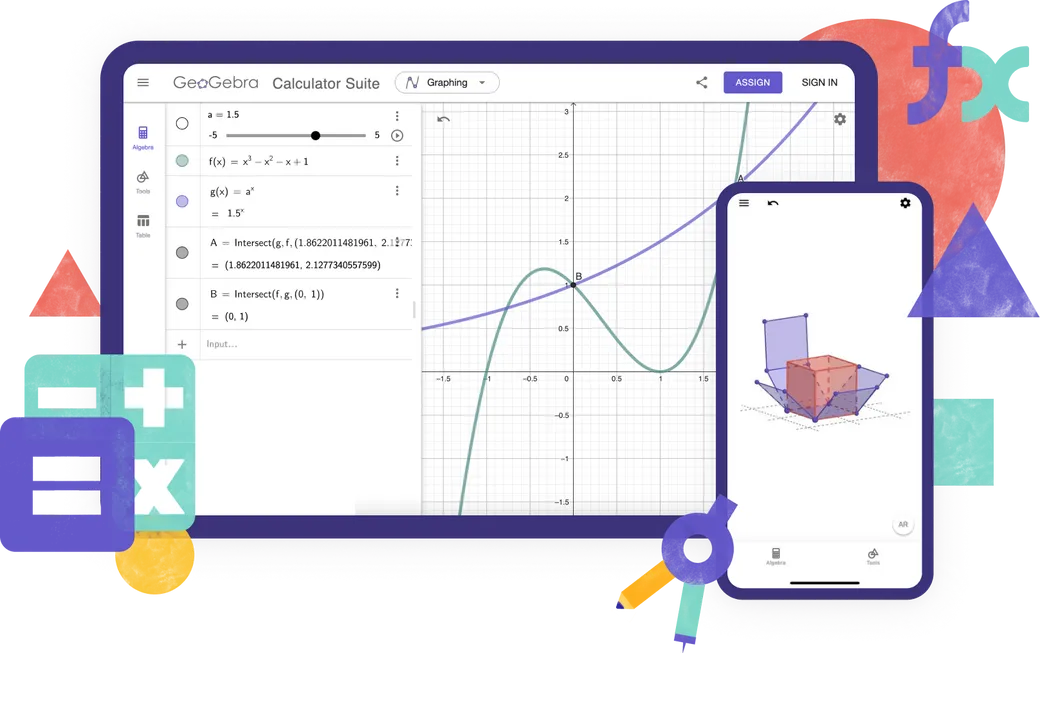
Rechner
Online Lern-Apps
Math Solver
Machen ein Foto von deinen Mathe-Hausaufgaben und erhalte Schritt-für-Schritt-Lösungen mit Erklärungen sowie ähnliche Probleme zum Üben.

Math Practice
Löse algebraische Aufgaben schrittweise und erhalte sofortige Rückmeldungen und Hilfe
Welchen Rechner soll ich benutzen?

Funktionalitäten
Rechner Suite
Grafikrechner
Geometrie
3D Rechner
CAS Rechner
Taschenrechner
Numerische Berechnungen
2D Grafiken
Funktionen
Vektoren & Matrizen
Geometrische Konstruktionen
Wertetabelle
Tabelle
Symbolische Berechnungen
3D Grafiken
Wahrscheinlichkeitsrechner
Erstellst du fortgeschrittene GeoGebra Materialien?
Classic 5 für erweiterte Funktionen
GeoGebra bei Tests
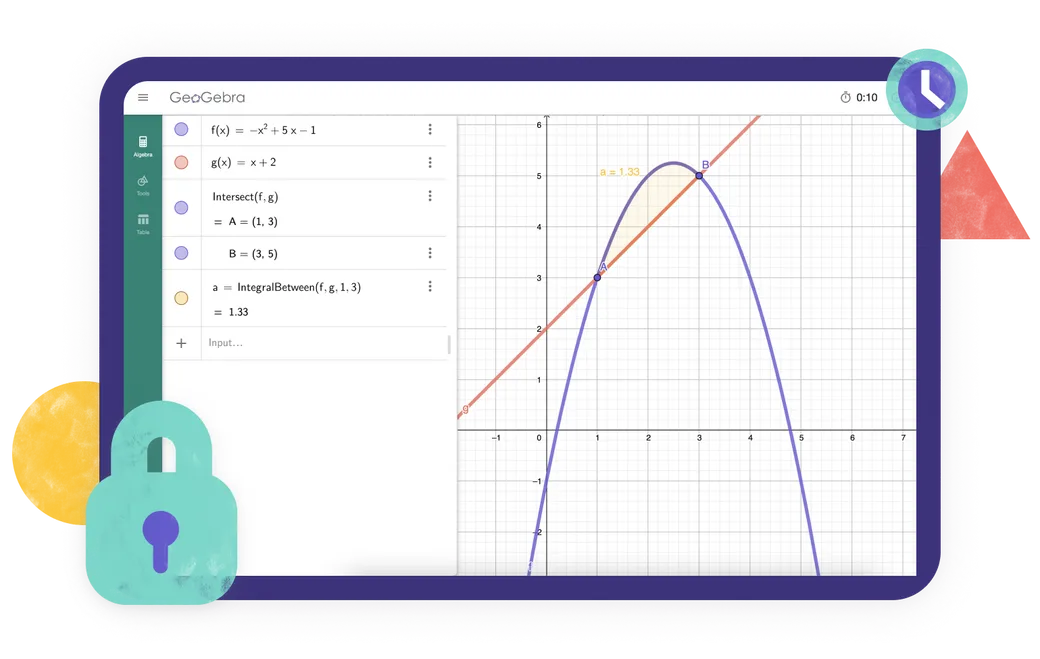
Suchst du eine App, die den Prüfungsbestimmungen deiner Region entspricht? Wir bieten verschiedene Prüfungsmodi mit Funktionen, die sowohl für Lehrende als auch Lernende bei schriftlichen Prüfung hilfreich sind. Der Zugang zum Internet und zu anderer Software wird eingeschränkt.
Häufig gestellte Fragen
Welche GeoGebra-App sollte ich verwenden?
Für die meisten Lehrkräfte und Lernenden empfehlen wir die GeoGebra Rechner Suite. Sie vereint Werkzeuge für Algebra, Analysis, Geometrie, 3D-Darstellungen, Wahrscheinlichkeitsrechnung und symbolisches Rechnen in einer App und lässt sich auf verschiedenen Geräten und Plattformen nutzen. Wenn deine Schule oder die Prüfungsordnung einen eingeschränkten Funktionsumfang vorgibt, kannst du stattdessen eine unserer einzelnen Rechner-Apps wählen. Zum Erstellen aufwendigerer GeoGebra-Materialien bietet GeoGebra Classic 5 zusätzliche Gestaltungswerkzeuge.
Was ist der Unterschied zwischen der GeoGebra Rechner Suite und GeoGebra Classic?
Die Rechner Suite und Classic bieten viele gemeinsame Mathematikwerkzeuge, unterscheiden sich aber in einigen Punkten. Für die meisten Lehrkräfte und Lernenden empfehlen wir die Rechner Suite. Ihre moderne Benutzeroberfläche lässt sich auf verschiedenen Geräten und Plattformen einheitlich bedienen. Das macht sie besonders geeignet für Klassen, in denen unterschiedliche Geräte verwendet werden. Classic bietet die gewohnte GeoGebra-Oberfläche sowie zusätzliche Möglichkeiten für fortgeschrittene Nutzerinnen und Nutzer und für alle, die eigene Materialien erstellen.
Sind die GeoGebra-Apps kostenlos?
Die GeoGebra-Apps sind für die nicht-kommerzielle Nutzung kostenlos. Dazu gehört die Nutzung durch Lehrkräfte, Schülerinnen und Schüler sowie Studierende zum Lehren und Lernen – in der Schule, an der Hochschule oder zu Hause. Für die kommerzielle Nutzung ist eine separate Lizenz erforderlich. Wenn du unsicher bist, ob deine geplante Nutzung als kommerziell gilt, wende dich bitte an das GeoGebra-Team für Partnerships.
Gibt es GeoGebra auch für Mobilgeräte?
Ja. Die GeoGebra Rechner Suite ist für Smartphones, Tablets und Computer verfügbar. Die Benutzeroberfläche passt sich an die Bildschirmgröße deines Geräts an. Auf Smartphones und Tablets empfehlen wir, die App zu installieren, um GeoGebra optimal nutzen zu können.
Wie lade ich GeoGebra herunter und installiere es?
Wähle auf der Download-Seite die gewünschte App aus. Anschließend kannst du sie direkt herunterladen oder den passenden App Store für dein Gerät öffnen. Folge dann den Installationshinweisen deines Geräts bzw. im App Store oder Google Play Store. GeoGebra lässt sich auch als Progressive Web App (PWA) installieren – direkt aus dem Browser, nachdem du die App dort geöffnet hast.
Kann ich GeoGebra ohne Internetverbindung nutzen?
Sobald du eine GeoGebra-App heruntergeladen und installiert hast, kannst du ihre wichtigsten Mathematikwerkzeuge auch ohne Internetverbindung nutzen. Eine Internetverbindung brauchst du weiterhin, um nach Online-Materialien zu suchen, dich bei deinem GeoGebra-Konto anzumelden oder deine Arbeit online zu speichern und zu teilen. Ohne Internetverbindung kannst du deine Arbeit lokal auf deinem Gerät speichern.
Brauche ich ein Konto, um die GeoGebra-Apps zu nutzen?
Nein. Du kannst die GeoGebra-Apps ohne Konto nutzen und deine Arbeit lokal auf deinem Gerät speichern. Ein Konto brauchst du nur, wenn du deine Arbeit online speichern, von verschiedenen Geräten darauf zugreifen oder andere kontogebundene Funktionen nutzen möchtest.
Was ist der Prüfungsmodus?
Im Prüfungsmodus können Schülerinnen und Schüler GeoGebra bei Tests und Prüfungen nutzen, während der Zugriff auf das Internet, gespeicherte Dateien und andere Apps eingeschränkt ist. Er läuft im Vollbildmodus und zeigt einen deutlich sichtbaren Warnhinweis an, wenn der Prüfungsmodus verlassen wird. Mithilfe eines Prüfungsprotokolls können Lehrkräfte nachvollziehen, was während der Sitzung passiert ist. In unterstützten Prüfungsumgebungen lässt sich GeoGebra auch mit dem Safe Exam Browser verwenden. Alle Informationen findest du in unserer offiziellen Dokumentation.
Wird GeoGebra Classic auch in Zukunft unterstützt?
Ja. Wir wissen, dass viele von euch GeoGebra Classic weiterhin nutzen und schätzen. Deshalb werden wir auch künftig dafür sorgen, dass es funktioniert. Wenn du neu mit GeoGebra startest, empfehlen wir dir jedoch die Rechner Suite: Sie ist unsere aktuelle App und lässt sich auf verschiedenen Geräten und Plattformen einheitlich bedienen. Wenn du bereits Classic nutzt, kannst du dabei bleiben – oder einen Wechsel zur Rechner Suite in Betracht ziehen.

Installationsmöglichkeiten
Sammlung unserer Installationsprogramme für Windows, macOS, Linux und mehr.

GeoGebra Apps einbetten
Erfahre alles, was du über das Einbetten von GeoGebra-Apps in deine Webseite wissen musst.

JavaScript API
Erhalte Informationen über die GeoGebra API, wenn du mit GeoGebra und JavaScript arbeiten möchtest.