


GeoGebra Apps
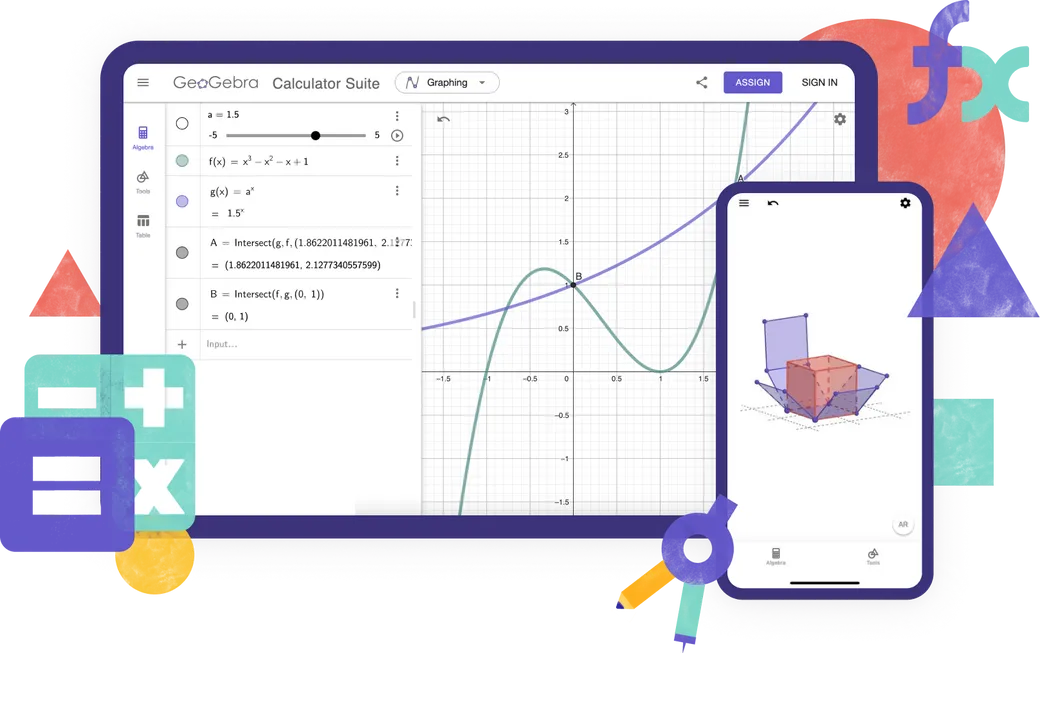
Explore our free calculators and apps for Math and Science, available for all devices and operating systems. Get started with using our all-in-one Calculator Suite.
Calculators
Online Learning Apps
Math Solver
Take a photo of your math homework. Get step-by-step solutions with explanations and practice similar problems.

Which Calculator to use?

Features
Calculator Suite
Graphing Calculator
Geometry
3D Calculator
CAS Calculator
Scientific Calculator
Numeric Calculations
2D Graphing
Functions
Vectors & Matrices
Geometric Constructions
Table of Values
Spreadsheet
Symbolic Calculations
3D Graphing
Probability Calculator
Are you creating advanced GeoGebra resources?
Classic 5 for Advanced Features
GeoGebra on Tests
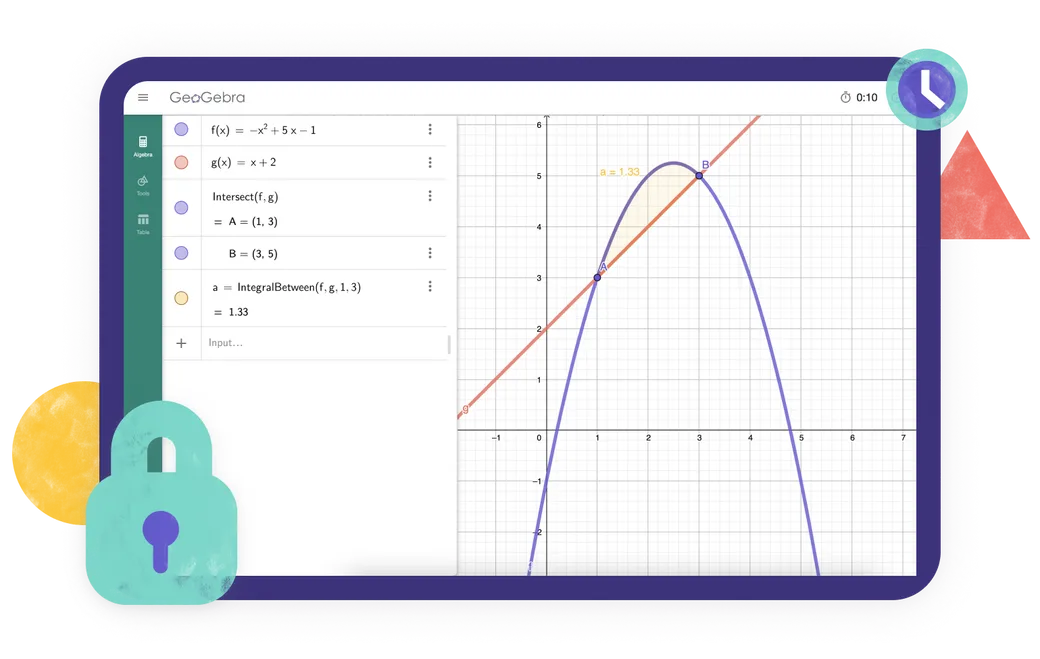
Are you looking for an app that meets the exam regulations in your region? We provide various Exam Modes that offer features beneficial to both teachers and students during paper-based exams, while ensuring restricted access to the internet and other software.
Frequently asked questions
Which GeoGebra app should I use?
For most teachers and students, we recommend the GeoGebra Calculator Suite. It combines tools for algebra, calculus, geometry, 3D graphing, probability and symbolic calculations in one app and works across different devices and platforms. If your school or exam regulations require a more limited set of tools, you can choose one of our individual calculator apps instead. For creating advanced GeoGebra resources, GeoGebra Classic 5 provides additional authoring tools.
What is the difference between GeoGebra Calculator Suite and GeoGebra Classic?
Calculator Suite and Classic share many of the same mathematics tools, but they are not identical. Calculator Suite is our recommended app for most teachers and students. It has a modern interface that works consistently across devices and platforms, making it especially suitable for classes in which students use different devices. Classic uses the traditional GeoGebra interface and includes additional options for advanced users and resource authors.
Are the GeoGebra apps free?
GeoGebra apps are free for non-commercial use, including use by teachers and students for learning and teaching at school, university, or home. Commercial use requires a separate license. If you are unsure whether your intended use is commercial, please contact the GeoGebra partnerships team.
Is GeoGebra available for mobile devices?
Yes. GeoGebra Calculator Suite is available for phones, tablets, and desktop computers. The interface adapts to the screen size of your device. For the best experience on phones or tablets install the app.
How do I download and install GeoGebra?
Choose the app you want on the GeoGebra downloads page. You can then download it directly or open the relevant app store for your device. Follow the installation instructions provided by your device or App Store / Play Store. We also support PWA. You can immediately download the app when opened in your browser.
Can I use GeoGebra without an internet connection?
Once you have downloaded and installed a GeoGebra app, you can use its main mathematics tools without an internet connection. You will still need an internet connection to search for online resources, sign in to your GeoGebra account, or save and share work online. You can save your work locally on your device while offline.
Do I need an account to use the GeoGebra apps?
No. You can use the GeoGebra apps without an account and save your work locally on your device. An account is required only if you want to save your work online, access it from different devices, or use other account-based features.
What is exam mode?
Exam mode allows students to use GeoGebra during tests and exams while restricting access to the internet, saved files, and other apps. It runs in full-screen mode and displays a clear visual alert if a student leaves exam mode. An exam log helps teachers check what happened during the session. GeoGebra can also be used with Safe Exam Browser in supported exam setups. Go to our official documentation for full information.
Will GeoGebra Classic be supported in the future?
Yes. We know that many people still use and value GeoGebra Classic, and we will continue to make sure that it works. However, we recommend Calculator Suite for new users because it is our current app and works consistently across devices and platforms. Existing Classic users can continue using it, but may also want to consider switching to Calculator Suite.

Installation Options
Complete collection of all of our installers for Windows, macOS, Linux and more.

Embedding GeoGebra Apps
Everything you need to know about embedding GeoGebra Apps into your website.

JavaScript API
This page describes the GeoGebra API if you need to interact with GeoGebra from JavaScript