
GeoGebraアプリ

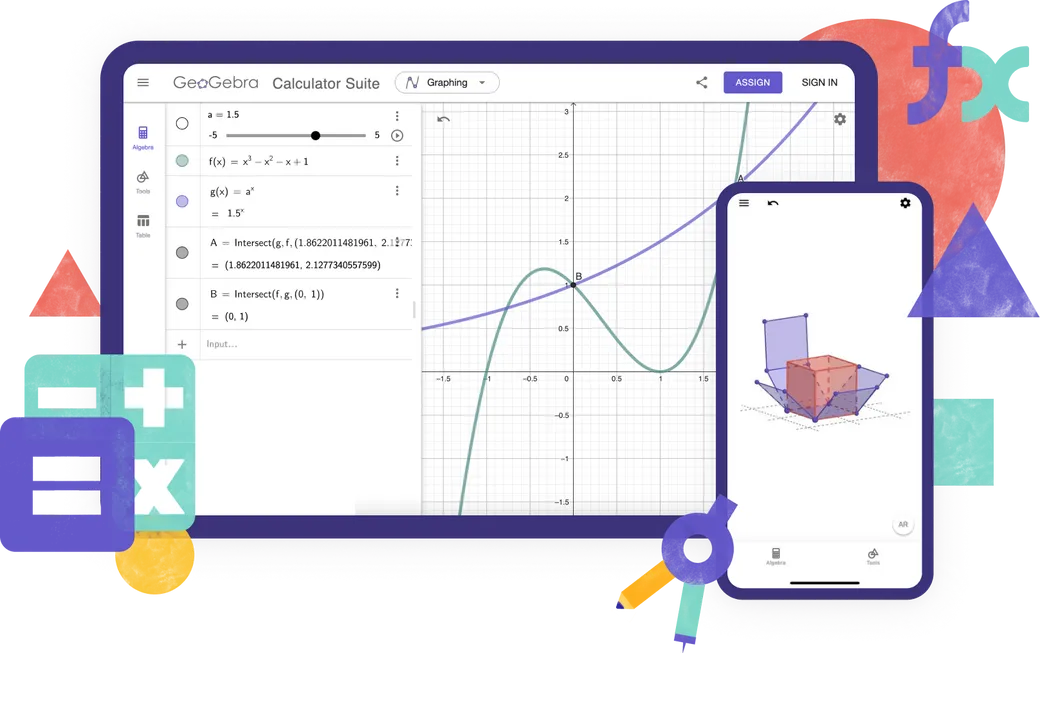
すべてのデバイスとオペレーティングシステムで利用可能な、数学と科学のための無料の計算機とアプリをご覧ください。オールインワンの計算機スイートを使ってみましょう。

GeoGebraアプリ
GeoGebra

GeoGebraスイート

代数、幾何、3Dなどのためのオールインワン計算機。

GeoGebra Graphing

関数グラフ

グラフ作成専用アプリ(関数グラフ、方程式の探究、データのプロット)

GeoGebra Geometry

幾何

平面図形専用アプリ(点、直線、多角形、円、角、変換、軌跡、等々)

GeoGebra 3D Calculator

空間図形

空間図形専用アプリ(3次元関数のグラフ、曲面描画、立体幾何)

数式処理(CAS)

方程式を解く,式の展開と因数分解,微分と積分

GeoGebra Scientific Calculator

科学計算電卓

分数、統計、指数関数などの計算

オンライン学習アプリ

Math Solver

数学ソルバー

宿題の写真を撮ると、手順つきの解答とわかりやすい解説が表示されます。\n類似問題にも取り組めます。

landing-page.our-features.ggb-exam-mode-alt

数学演習

即座にフィードバックと支援を受けながら、代数問題をステップバイステップで解く

GeoGebra Notes

ノート

インタラクティブなグラフ、スライド、画像、ビデオを備えた無料のオンラインノート作成アプリ

どの計算機を使うべきか?

GeoGebra

GeoGebraスイート

数値計算

関数グラフ

関数

ベクトルと行列

幾何

表計算

表計算・統計

数式計算

空間図形

確率計算器

GeoGebra Graphing

関数グラフ

数値計算

関数グラフ

関数

ベクトルと行列

幾何

表計算

表計算・統計

数式計算

空間図形

確率計算器

GeoGebra Geometry

幾何

数値計算

関数グラフ

関数

ベクトルと行列

幾何

表計算

表計算・統計

数式計算

空間図形

確率計算器

GeoGebra 3D Calculator

空間図形

数値計算

関数グラフ

関数

ベクトルと行列

幾何

表計算

表計算・統計

数式計算

空間図形

確率計算器

数式処理(CAS)

数値計算

関数グラフ

関数

ベクトルと行列

幾何

表計算

表計算・統計

数式計算

空間図形

確率計算器

GeoGebra Scientific Calculator

科学計算電卓

数値計算

関数グラフ

関数

ベクトルと行列

幾何

表計算

表計算・統計

数式計算

空間図形

確率計算器

高度なGeoGebra教材を作成していますか?

上級者向けクラシック5

テストでのGeoGebra

テストでのGeoGebra

お住まいの地域の試験規定を満たすアプリをお探しですか?我々は、インターネットや他のソフトウェアへのアクセス制限を保証しながら、紙ベースの試験中に教師と生徒の両方に有益な機能を提供する様々な試験モードを提供しています。

Frequently Asked Questions

Which GeoGebra app should I use?

For most teachers and students, we recommend the GeoGebra Calculator Suite. It combines tools for algebra, geometry, 3D graphing, probability, and symbolic calculations in one app and works across different devices and platforms. If your school or exam regulations require a more limited set of tools, you can choose one of our individual calculator apps instead. For creating advanced GeoGebra resources, GeoGebra Classic 5 provides additional authoring tools.

What is the difference between GeoGebra Calculator Suite and GeoGebra Classic?

Calculator Suite and Classic share many of the same mathematics tools, but they are not identical. Calculator Suite is our recommended app for most teachers and students. It has a modern interface that works consistently across devices and platforms, making it especially suitable for classes in which students use different devices. Classic uses the traditional GeoGebra interface and includes additional options for advanced users and resource authors.

Are the GeoGebra apps free?

GeoGebra apps are free for non-commercial use, including use by teachers and students for learning and teaching at school, university, or home. Commercial use requires a separate license. If you are unsure whether your intended use is commercial, please contact the GeoGebra partnerships team.

Is GeoGebra available for mobile devices?

Yes. GeoGebra Calculator Suite is available for phones, tablets, and desktop computers. The interface adapts to the screen size of your device. For the best experience, install the app for phones or tablets.

How do I download and install GeoGebra?

Choose the app you want on the GeoGebra downloads page. You can then download it directly or open the relevant app store for your device. Follow the installation instructions provided by your device or App Store / Play Store. We also support PWA. You can immediately download the app when opened in your browser.

Can I use GeoGebra without an internet connection?

Once you have downloaded and installed a GeoGebra app, you can use its main mathematics tools without an internet connection. You will still need an internet connection to search for online resources, sign in to your GeoGebra account, or save and share work online. You can save your work locally on your device while offline.

Do I need an account to use the GeoGebra apps?

No. You can use the GeoGebra apps without an account and save your work locally on your device. An account is only required if you want to save your work online, access it from different devices, or use other account-based features.

What is exam mode?

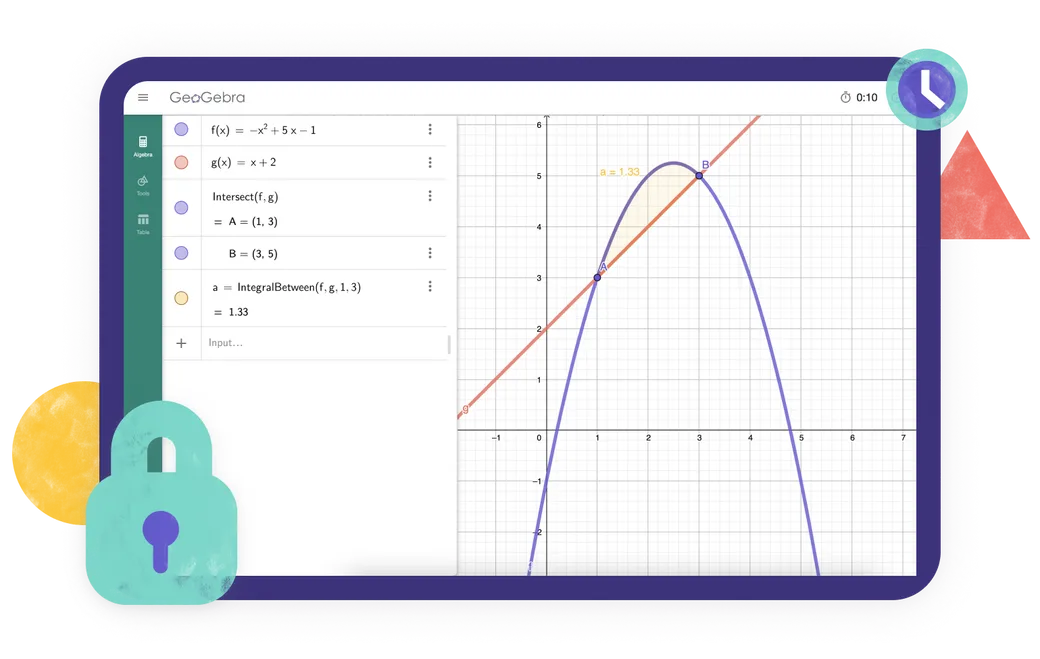
Exam mode allows students to use GeoGebra during tests and exams while restricting access to the internet, saved files, and other apps. It runs in full-screen mode and displays a clear visual alert if a student leaves exam mode. An exam log helps teachers check what happened during the session. GeoGebra can also be used with Safe Exam Browser in supported exam setups. Go to our official documentation for full information.

Will GeoGebra Classic be supported in the future?

Yes. We know that many people still use and value GeoGebra Classic, and we will continue to make sure that it works. However, we recommend Calculator Suite for new users because it is our current app and works consistently across devices and platforms. Existing Classic users can continue using it, but may also want to consider switching to Calculator Suite.

download.more-info-install-title

インストールオプション

Windows、macOS、Linuxなど、すべてのインストーラの完全な集録

すべてのダウンロードオプション
download.more-info-embed-title

GeoGebraアプリの埋め込み

GeoGebra Appsをあなたのウェブサイトに埋め込むために知っておくべきことすべて。

埋め込みオプション
download.more-info-api-title

JavaScript API

このページでは、JavaScript から GeoGebra とやり取りする必要がある場合の GeoGebra API について説明します。

GeoGebraアプリAPI